
A slow computer can be caused by both software and hardware. Before buying a new PC, find out whether the bottleneck is drive, memory, heat, virus, background apps or an old installation.
What makes a computer slow?
The most common causes are slow or worn storage, low free space, too many startup apps, too little memory, high temperature, an old Windows install or hardware that no longer matches the job.
The symptoms often point in the right direction: slow startup and slow app launches point toward the drive or Windows installation, loud fan noise points toward heat or background processes, and slowness with many tabs or large apps often points toward RAM. If the machine is only slow in games, video or 3D software, the graphics card or CPU may be the limit.
Free up storage in Windows
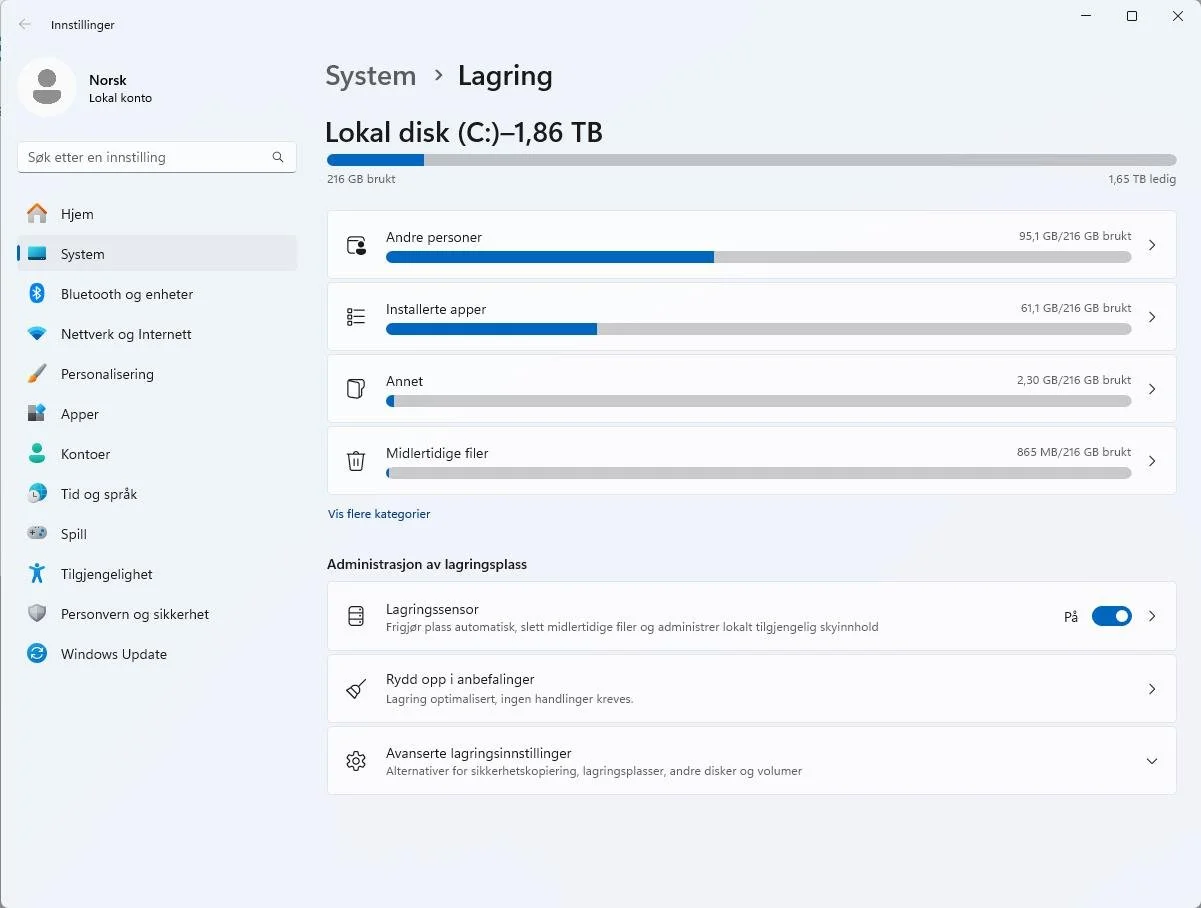
Windows 11 has storage settings that show what uses space. Search for Storage settings from the taskbar, open the overview and look for large apps, downloads, temporary files and old folders you no longer need.


Back up before deleting large folders. Accounting files, photos, desktop, project folders, email archives and program files can be stored in places that are not obvious.
Try to keep a healthy amount of free space on the system drive. When the drive is almost full, Windows has less room for temporary files, updates and normal file handling. That can make even a healthy SSD feel noticeably slower.
Disable unnecessary startup apps
Many programs add themselves to startup. Open Task Manager and the Startup apps tab. Disable programs you recognize and do not need immediately when the computer starts. Do not disable security tools or drivers you are unsure about.

An SSD often makes the biggest difference
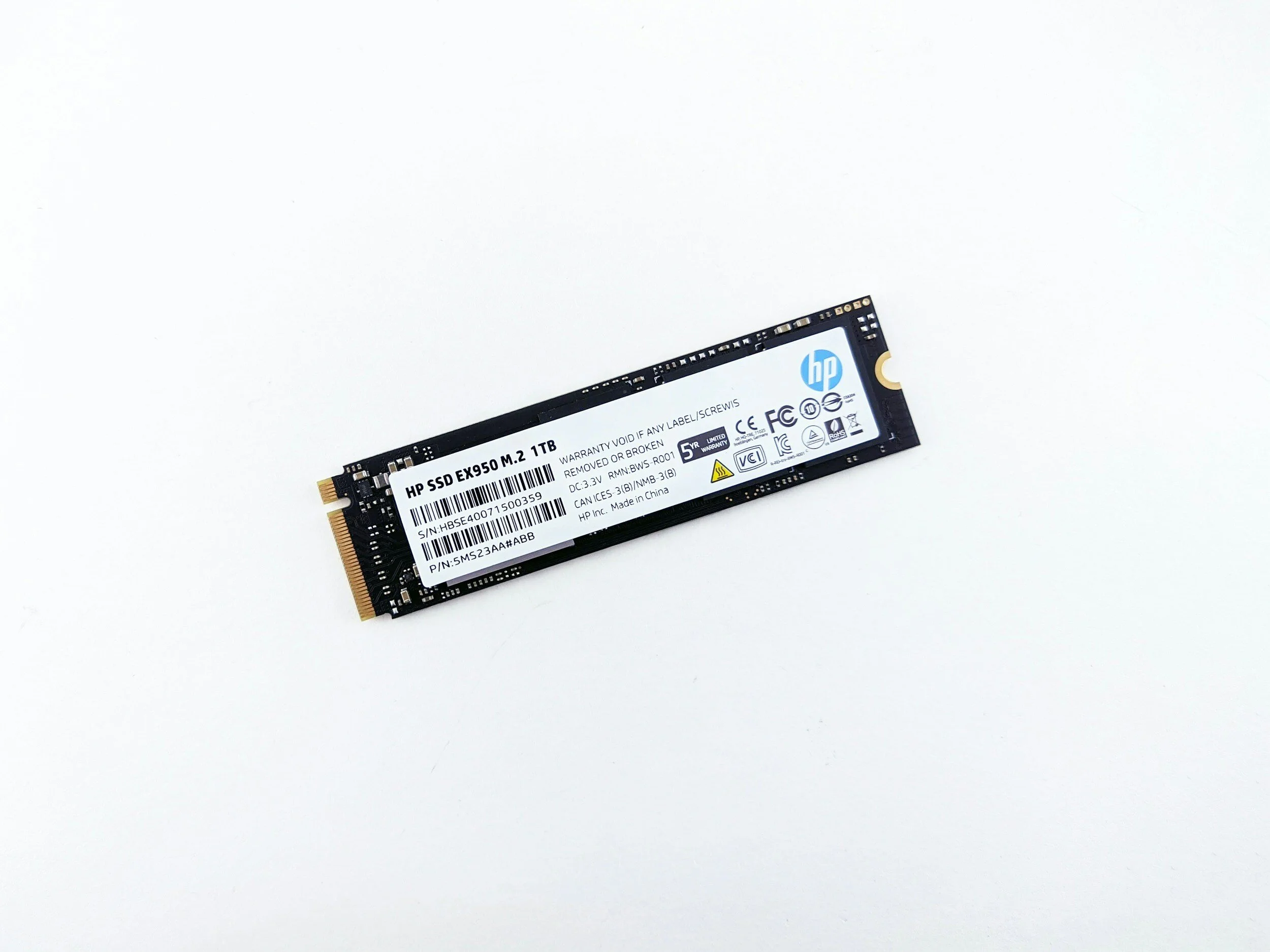
If the machine uses a mechanical hard drive, an SSD often makes startup and apps much faster. If the machine already has an SSD, look instead at free space, memory use, drive health and background processes.
Heat can look like slowness
When a PC becomes too hot, it slows down. Cleaning, fresh thermal paste and fan replacement may be the right fix if the machine becomes hot and noisy.
Cleaning and thermal paste: only do it if you are confident
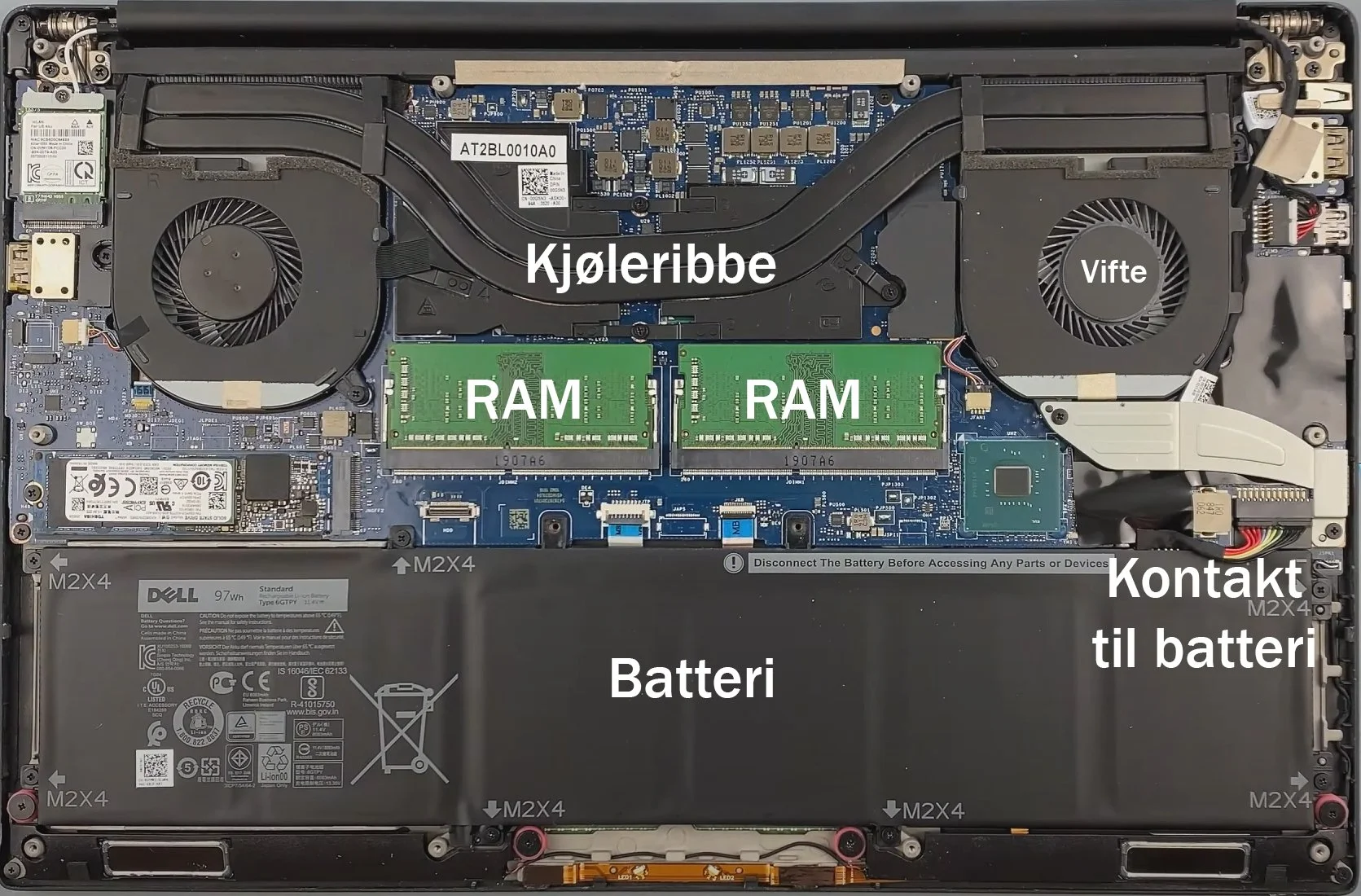
Opening a laptop, disconnecting the battery, cleaning dust and replacing thermal paste can help a lot, but wrong tools, forgotten screws or a damaged battery connector can make the machine worse. Take photos as you go, use the correct screwdriver and stop if something is stuck.
If you do this yourself, shut the machine down completely, unplug the charger and external devices, and disconnect the battery as soon as you can safely reach the connector. Bottom covers can have hidden screws, clips or screws under rubber feet. Use plastic tools, not metal, when prying the cover open.
Clean dust from the fan and heatsink with a brush and careful airflow. When replacing thermal paste, remove old paste from the CPU, GPU and heatsink with a suitable cloth and isopropyl alcohol. Use a small amount of new paste, mount the cooler evenly, and test temperatures and fan behavior afterwards. OCCT or a similar stress test can reveal whether cooling is still poor.
RAM helps when memory is actually full
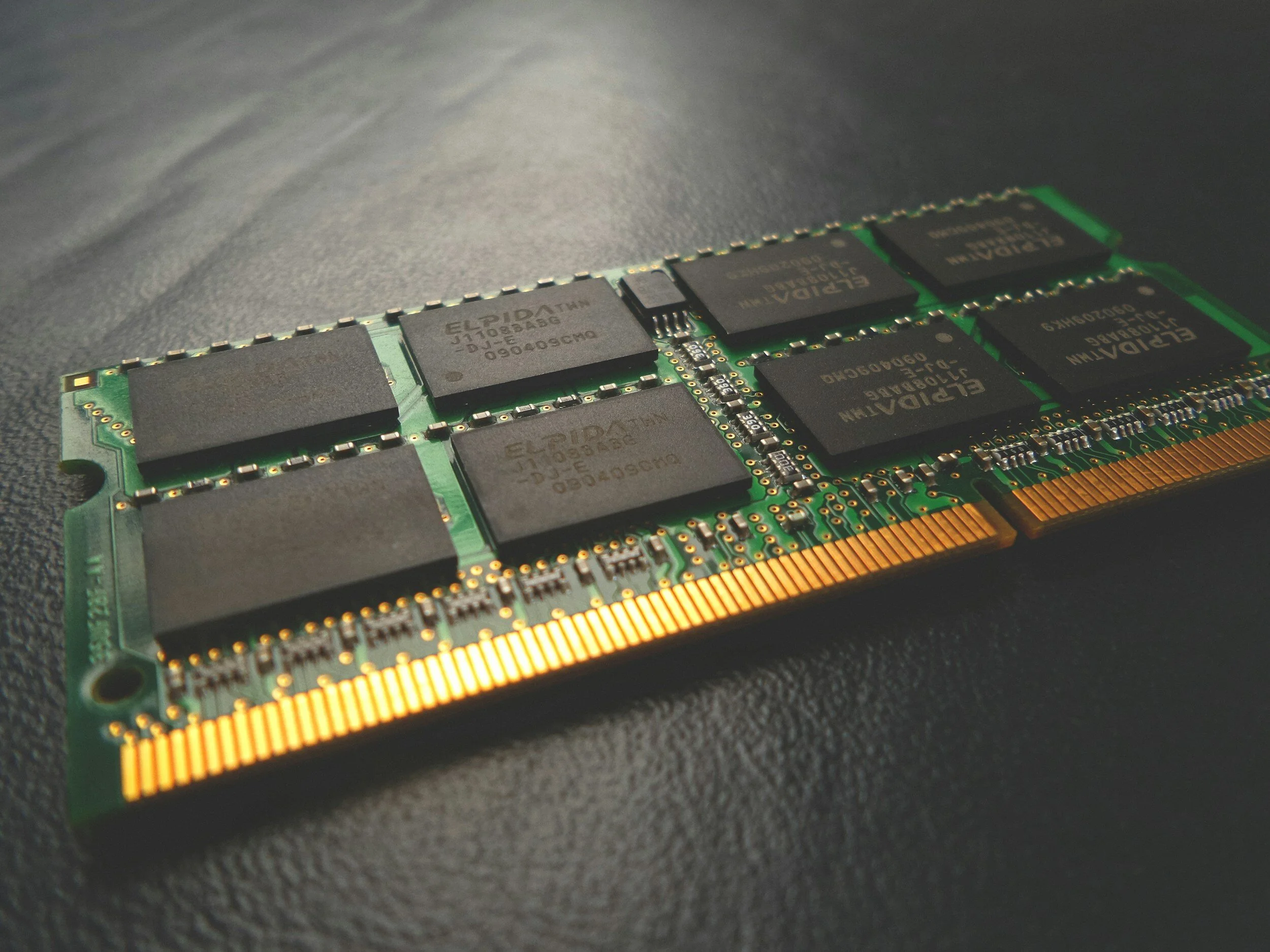
More RAM does not automatically make a PC faster. It helps when the machine runs out of memory because many tabs, large apps, photo work, video editing or games are open. Many new laptops have soldered RAM and cannot be upgraded.
For simple use, 8 GB is often enough, but 16 GB gives better headroom for many tabs, Teams, banking, photos and normal office work at the same time. For 4K video, large photo projects, CAD and heavier games, consider 32 GB or more if the machine supports it.
Use Task Manager to find the bottleneck
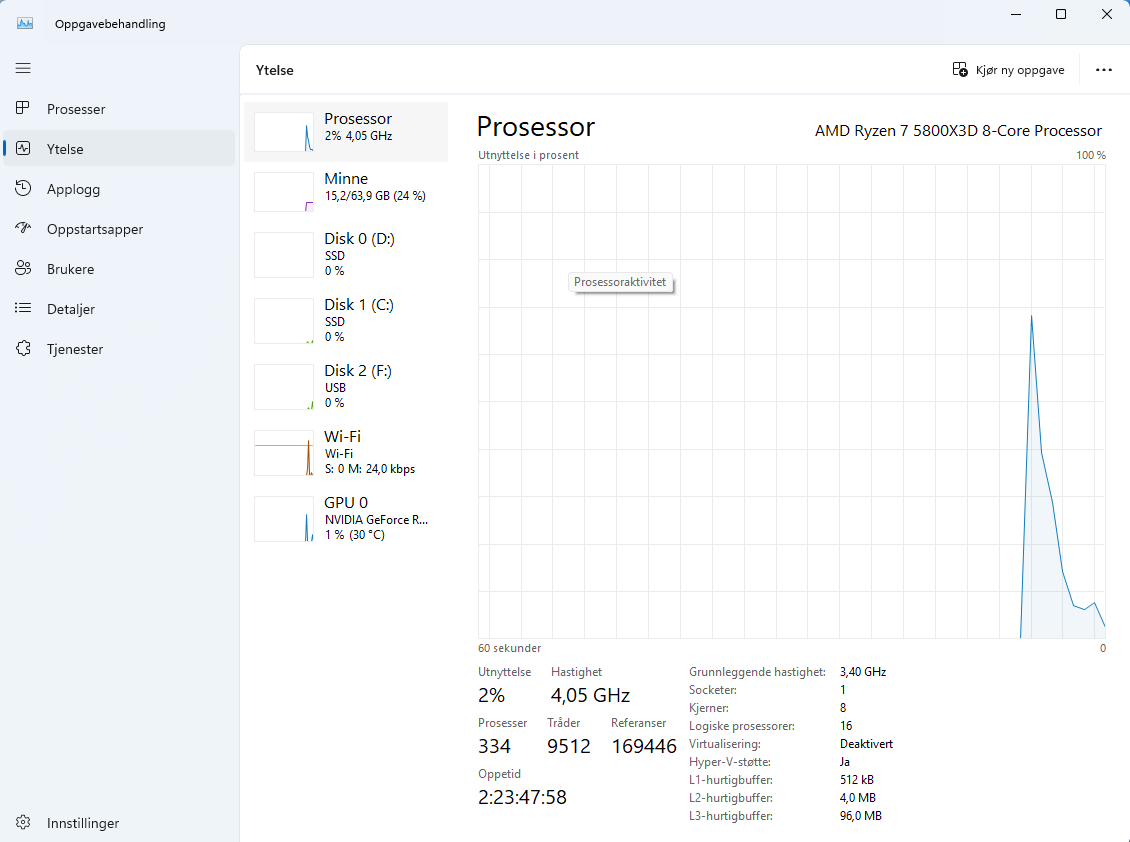
If CPU, memory, disk or graphics stays near 100 percent while the machine is slow, you have a clue. Disk at 100 percent often points to storage or Windows issues. Memory at 100 percent points to too little RAM or too many apps.
Undervolting can help, but it is not the first step
Undervolting can reduce heat and fan noise on some CPUs and GPUs, but support varies between machines and manufacturers. Wrong settings can cause crashes and instability. Start with cleaning, updates, drive health and normal diagnosis before adjusting voltage.
Some Intel machines use Intel XTU or BIOS settings, while some AMD systems can use Ryzen Master or BIOS. Adjust only in small negative steps, stress test after each change, and revert if the machine crashes, freezes or behaves strangely. Do not increase voltage just to experiment.
Desktop PCs are easier to upgrade
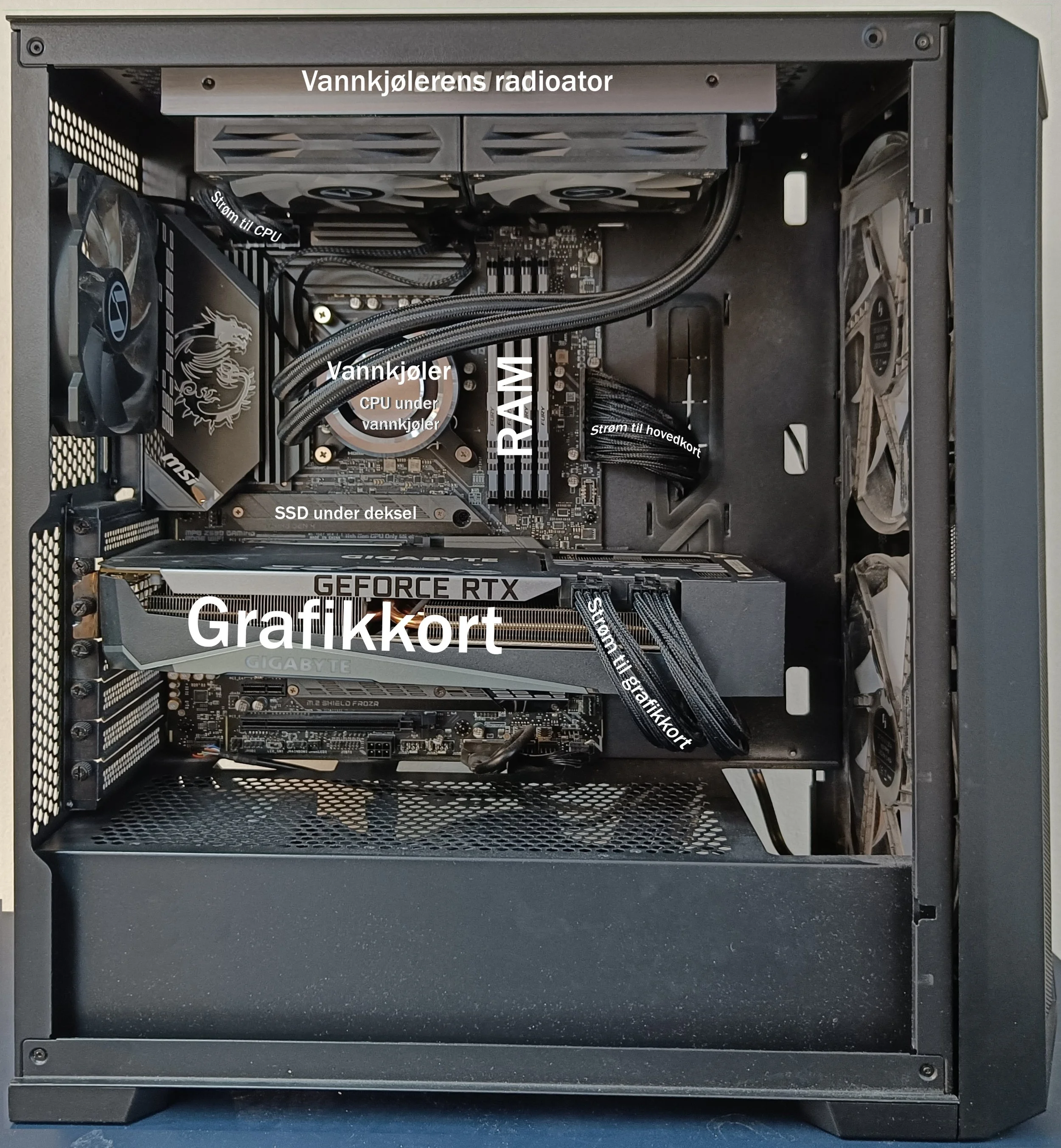
Desktop PCs are often modular. SSD, RAM, graphics card, power supply and sometimes CPU can be replaced. Before buying parts, check compatibility with motherboard, power supply, case and cooling.
A graphics card needs physical clearance, the right power connector and enough power supply capacity. RAM must match the motherboard type and supported speed. A CPU upgrade may require the correct socket, BIOS support, a new cooler or a new motherboard. On AMD machines, the cooler can sometimes stick hard to the CPU; warm the machine lightly first and rotate the cooler carefully before lifting it off.
When to bring the machine in
Bring the machine in if it gets hot during light use, shuts down, has abnormal fan noise, suspected drive failure, or if you do not know whether repair or upgrade is worth it. Diagnosis separates faults from normal slowness before you buy parts.