
MacBook batteries wear gradually. Short battery life is not always urgent, but random shutdowns, slow charging or a swollen battery should be taken seriously. A swollen battery can press against the trackpad, keyboard and chassis.
EasyPC replaces batteries on MacBook Air and MacBook Pro. Price and time depend on the model, battery type and whether the battery is screwed in or glued in. Use the price guide for an updated price before repair.
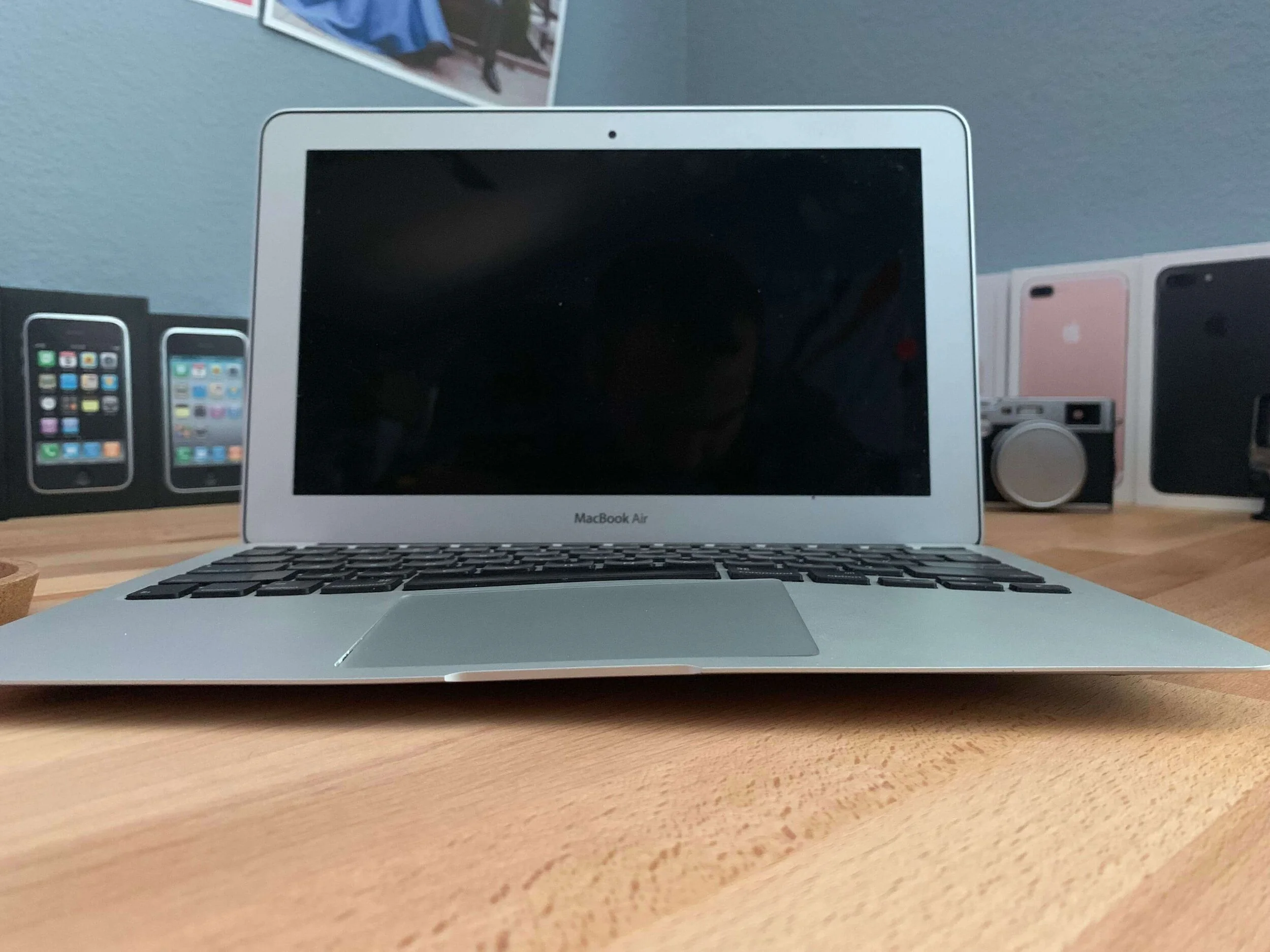
Typical signs of a bad MacBook battery
Common symptoms are short battery life, unexpected shutdowns, battery percentage jumps, slow charging, a service recommended message, or a machine that only works reliably with the charger connected.
Short battery life and slow charging are often practical problems you can plan around. Random shutdowns and a swollen battery are more serious; the battery should be replaced or removed before it damages the machine further.
A swollen battery should be handled quickly
If the trackpad is hard to click, the bottom cover bulges, or the machine no longer sits flat, the battery may be swollen. Do not press the chassis together, do not keep charging unnecessarily, and have the battery assessed quickly.
What affects price and waiting time?
Some MacBook batteries are screwed in and quick to replace. Others are glued in and require more labor, cleaning and testing. Parts availability also varies by generation and color, so the model number should be checked before final pricing.
Older MacBook Pro models could have batteries that were easy to remove without opening the machine. On those models, it often makes sense to buy a good replacement battery directly and replace it yourself if the rest of the machine is fine. Many MacBook Air 2010-2017 and MacBook Pro 2010-2012 models have batteries screwed in under the bottom cover. Retina MacBook Pro from 2012 and newer MacBook Air/Pro models often have glued batteries, which take more time and must be removed using the right method.
If the battery is glued in, do not pry it out with force. The battery can be punctured, and nearby components can be damaged. With a swollen battery, it is especially important to leave the machine alone and have it assessed.
How long does battery replacement take?
On models with screwed-in batteries, the replacement itself is often faster. On models with glued batteries, we need more time for disassembly, cleaning, installation and testing. If the correct battery is not in stock, we can often order the part before you bring the machine in.
Before bringing it in
Back up if you can, bring the charger if the issue involves charging, and find the serial or model number. If you rely on the machine every day, we can often order the correct battery before you bring it in.