
PC repair is worth it when the repair gives the machine real useful life. A cheap repair is not always smart if the computer remains too slow, while a more expensive repair can be right if the PC is otherwise good.
Ask these questions
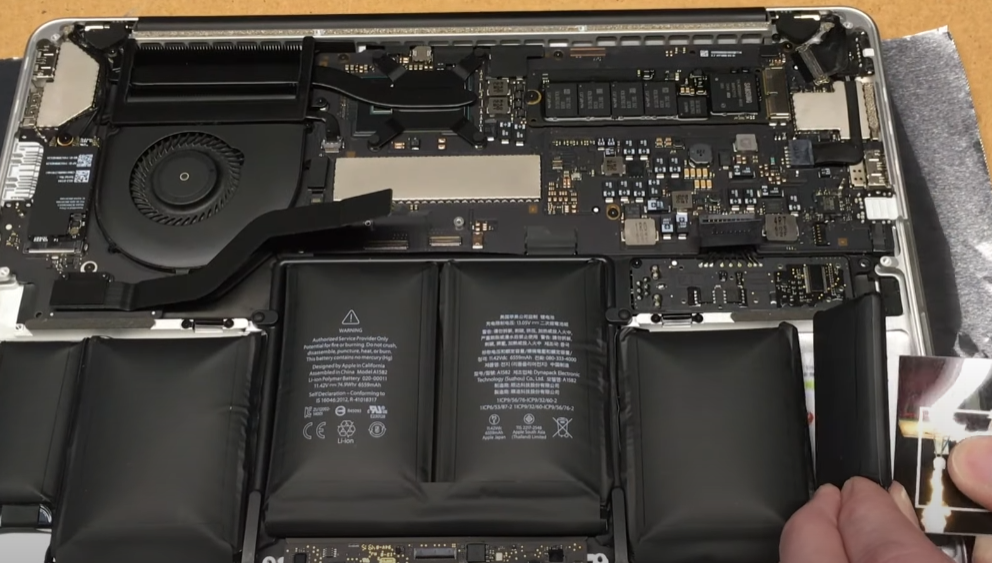
Will the machine meet your needs once the fault is fixed? Are the files important? Are the battery, screen and storage in acceptable condition? If yes, repair is often a better choice than buying new.
Almost always worth checking
Hinges, drive/SSD, RAM, drivers, keyboard, battery and many display faults are often worth diagnosing. That does not mean every repair should be done, but diagnosis gives a better basis than buying a new machine immediately.
A broken hinge often shows as play in the display, a crooked frame, or a screen that cannot be closed without bending the plastic or bezel. It can look dramatic, but is often repairable if the mounts and display parts can be rebuilt or replaced.
Drive and SSD faults often show as slow startup, apps taking a long time, missing files, error messages, blue screens or a machine that never reaches login. Backup and file recovery assessment matter before reinstalling Windows.
RAM faults can cause random blue screens, a machine that will not start, a brief flash on the screen or strange crashes without a clear pattern. RAM is usually reliable, but when it fails the symptoms can look like motherboard or Windows faults.
Files can matter more than the machine
With drive faults or a machine that will not start, saving files can be more important than the repair itself. If photos, documents, accounting or school work are on the machine, file recovery should be assessed before erasing a drive or reinstalling Windows.
If the drive clicks, the machine freezes during copying, or folders suddenly disappear, do not start large transfers just to try. Each extra load can make file loss worse.
When repair needs careful calculation
Liquid damage, motherboard faults, major casing damage, expensive displays and several faults at once should be compared with a used or new machine. The same applies if the PC was already too slow or too weak before the damage.
Liquid damage varies the most. Some machines only need cleaning and minor repair, while others have damage to keyboard, motherboard, charging port, display cable and battery at the same time. The machine should not be charged or powered on before it has been checked.
Do not buy parts before diagnosis
Many symptoms overlap. A black screen can be panel, cable, RAM, graphics or motherboard. Charging faults can be charger, port, battery or power circuit. Diagnosis before ordering parts reduces the chance of buying the wrong part.
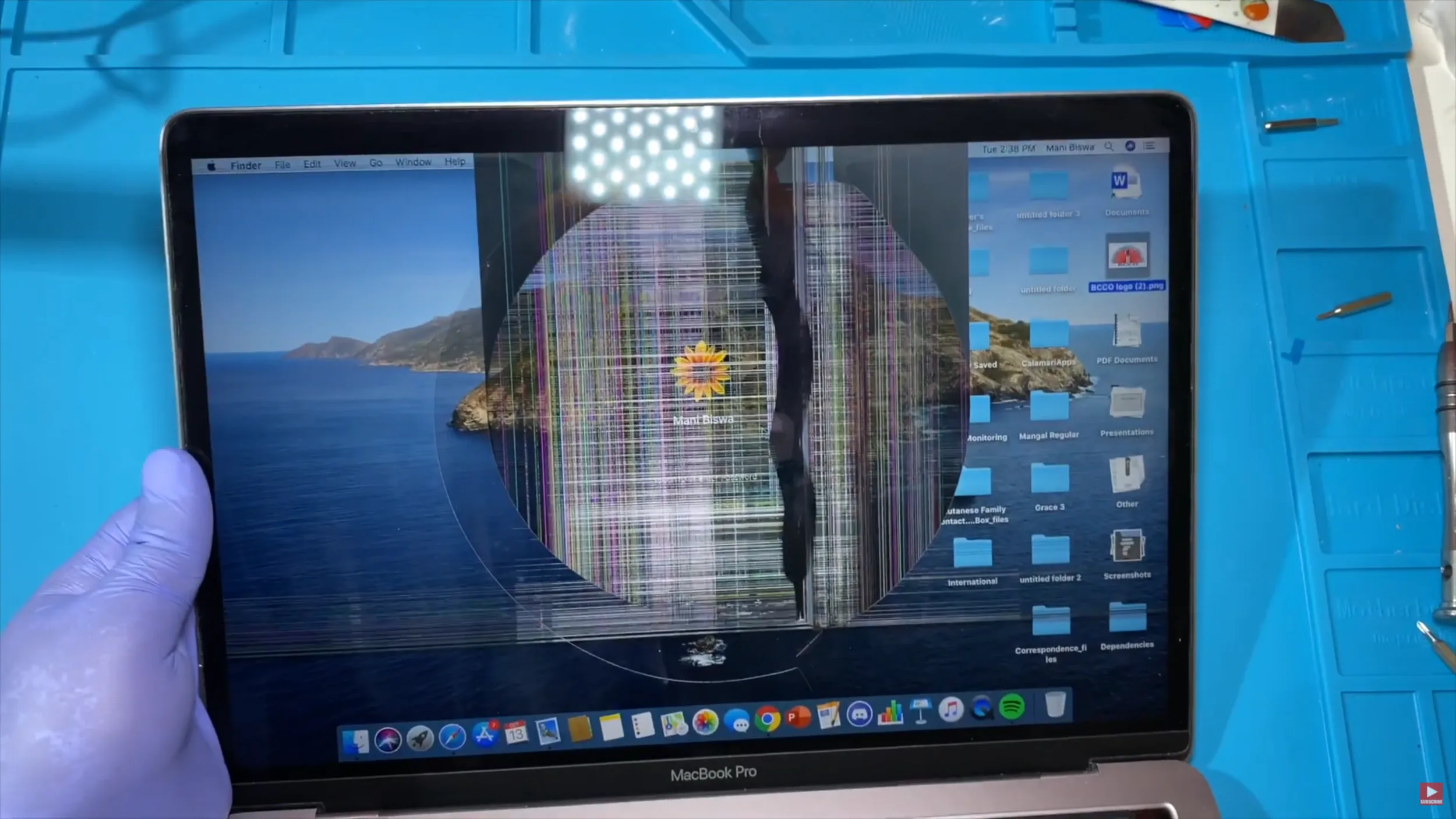
Display faults can be cracks, lines, black spots, flicker, or image on an external screen but not the internal one. Keyboard faults often show as individual keys or whole rows not working. Battery faults often show as short runtime, random shutdowns or a machine that only works with the charger.
An upgrade can be better than repair alone
If the PC is both faulty and slow, repair can be combined with an SSD, more memory where supported, cleaning or reinstall. That gives more value from the work.
When a new machine is right
A new or used machine is often better if the repair will not solve your main problem: weak performance, too little non-upgradable RAM, poor battery, weak display and several expensive faults at once.