
OpenCore Legacy Patcher is used by many people to run newer macOS versions on older Macs that Apple no longer updates normally. It can be useful, but it is not the same as official support.
If a Mac with OpenCore was recently updated and suddenly becomes slow, loses Wi-Fi, has graphics issues or missing features, OpenCore or root patches often need to be updated after the macOS update.
Back up before you start
Before testing OpenCore, important files should be copied out. An upgrade can fail, drivers may be missing, and some features can behave differently than on a supported Mac. OpenCore Legacy Patcher is a community project, not Apple support, so the documentation and known issues for your exact model should be read before starting.
After a macOS update
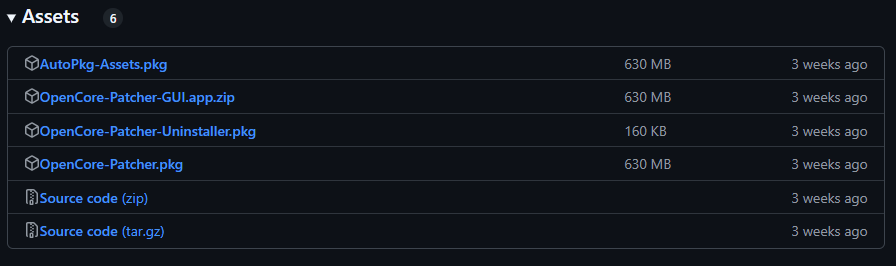
Download OpenCore Legacy Patcher from the official Dortania/GitHub pages, not from random mirrors. Use a version that supports the macOS version you actually installed, and read known issues for your model before continuing.
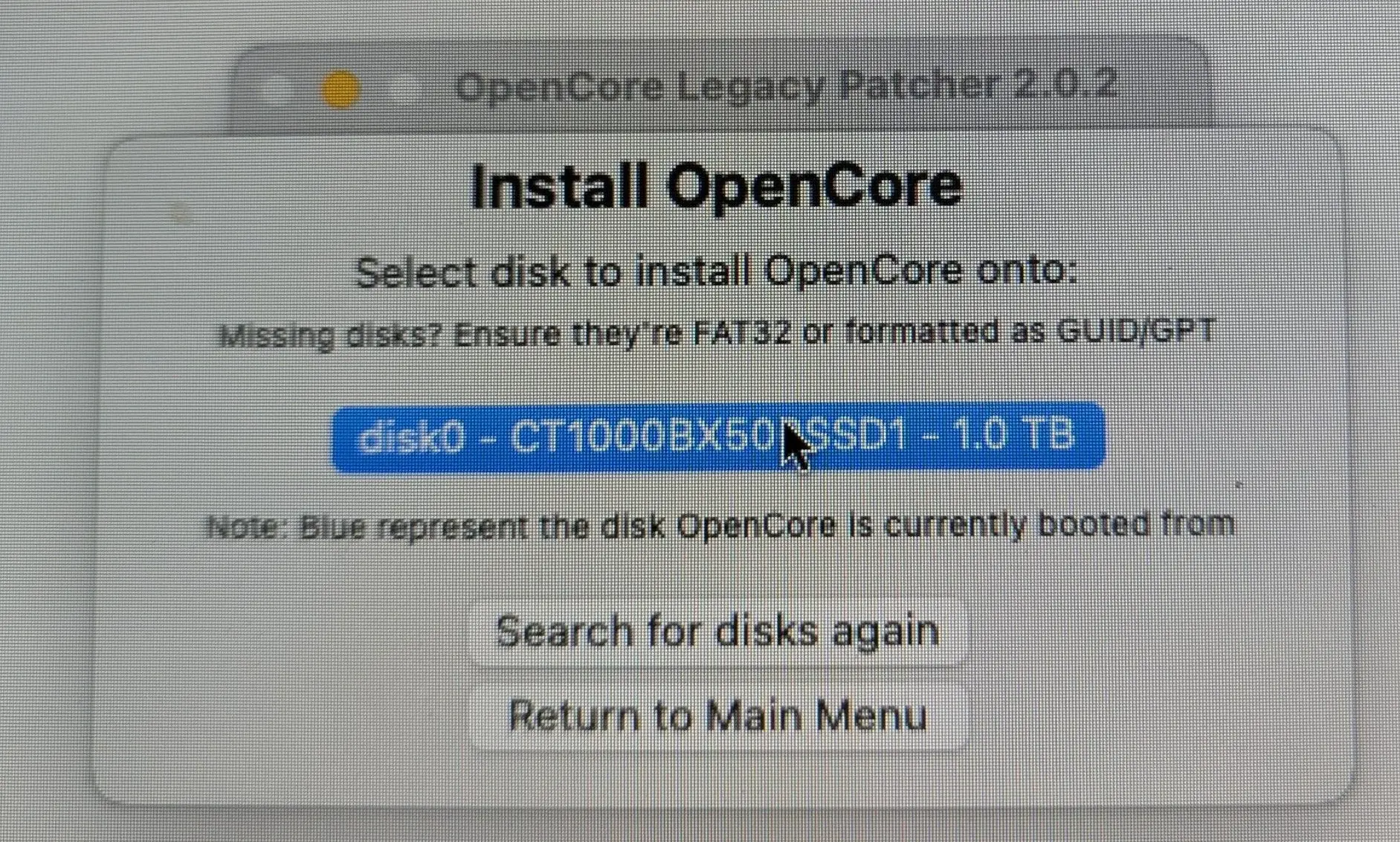
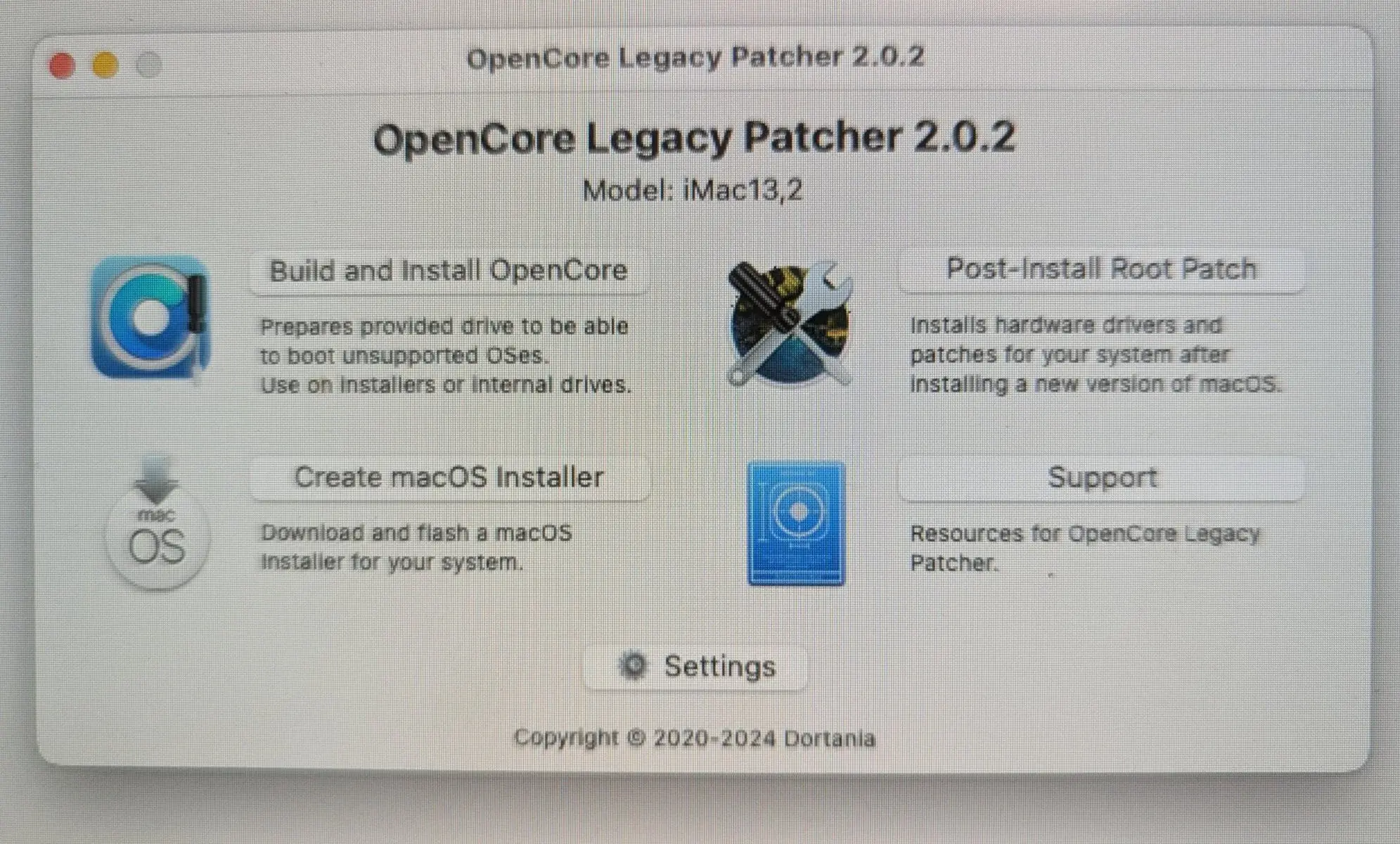
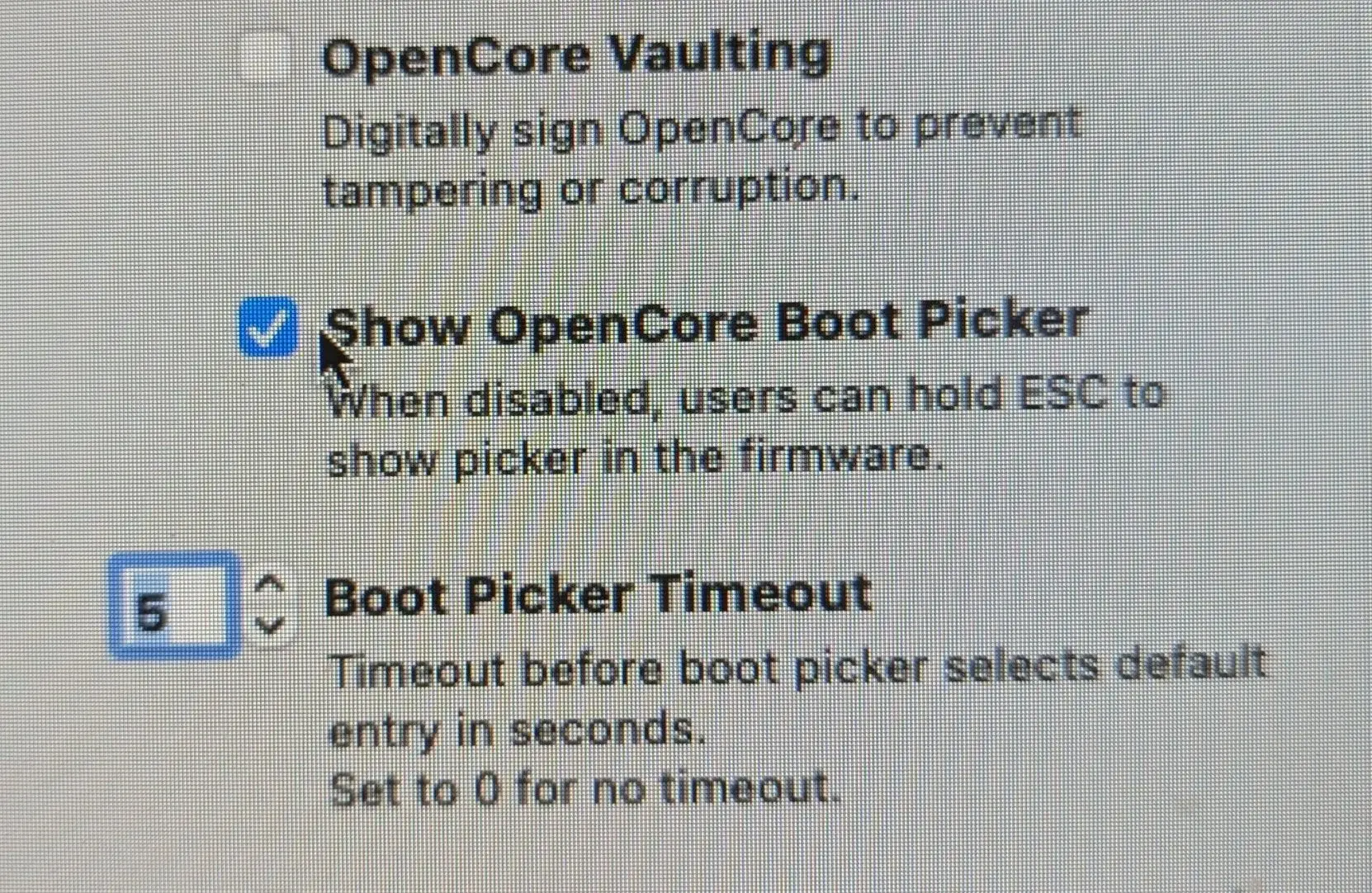
Open the app, review settings and rebuild OpenCore if needed. Do not keep unnecessary external drives connected when installing OpenCore to the internal drive, because that makes it easier to choose the wrong EFI partition.
Post-install root patch
After some macOS updates, Post-Install Root Patch must be run again for graphics, Wi-Fi, Bluetooth or other drivers to work correctly. Sometimes the machine must be restarted, connected to the internet and patched a second time.
Not every Mac is a good candidate
Performance, graphics, Wi-Fi, Bluetooth and battery life vary by model. Some Macs improve with a careful upgrade, while others should stay on an older and more stable macOS version. If the Mac already has drive faults, heat problems or a weak battery, fix that before adding a more demanding macOS version.
Avoid major macOS updates on an OpenCore Mac before checking that the model is supported by the newest patcher. Waiting is often safer than installing an update the same day it appears.
When to get help
Get help if the Mac contains important files, if you are unsure about model support, or if the machine already has heat, battery or storage problems. Software upgrades should not be used to hide hardware faults.