
A cracked laptop screen can often be repaired, but it is not always worth it. The deciding factors are model, age, screen type, parts availability and whether the rest of the machine works normally.
EasyPC replaces screens on Windows laptops and MacBooks. Before recommending a replacement, we check whether the fault is only the panel, or whether hinges, display cable, backlight or motherboard may also be affected.
When screen replacement is often worth it
Repair is often worth it if the machine is otherwise fast, the battery is acceptable, the hinges are intact, and the screen is a common panel type with good parts availability. This applies to many standard Windows laptops and several MacBook models.
How difficult is the replacement?
A normal screen replacement often starts by removing the bottom cover and disconnecting the battery. The bezel is then released, the display cable disconnected and the panel removed. On some models the panel is screwed in, while others use adhesive or pull tabs.
If the display assembly has to be separated from the keyboard side, or the hinges are already damaged, risk and labor time increase. 2-in-1 machines and touch screens are often more demanding because glass, touch layer and frame can be glued together.
When you should be more careful
Be more careful if the screen is expensive or rare, the machine is very old, hinges are broken, the chassis is bent, or the PC also has liquid damage, battery issues or startup problems. In those cases the whole machine should be assessed before ordering a screen.
Common standard panels
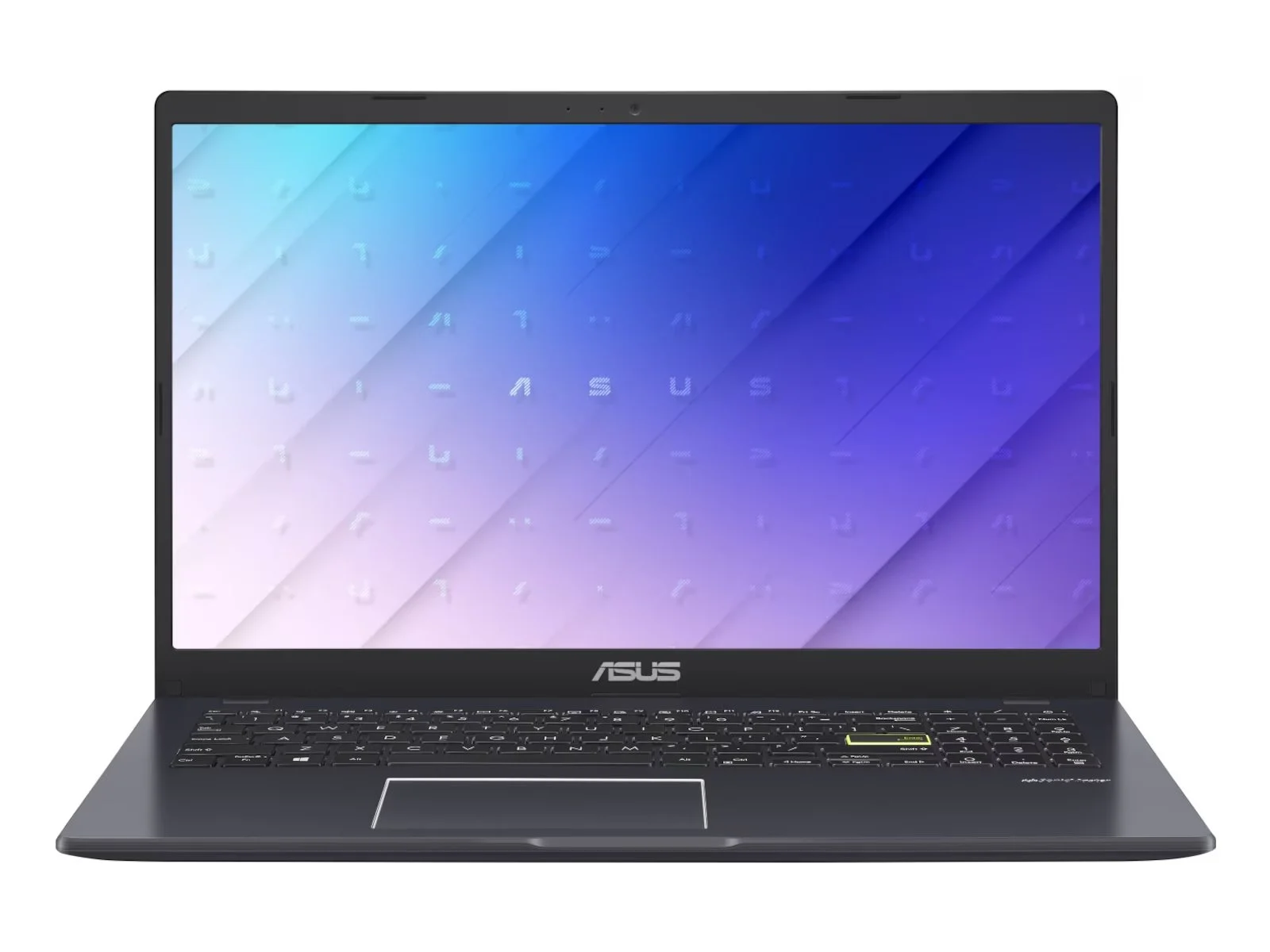
Many Windows laptops use standard panels, often with a plastic bezel and a common resolution such as Full HD. These are often the best candidates for repair, because parts are easier to source and the panel can often be replaced without replacing the entire display lid.
If the display still shows enough image, you can check resolution in display settings. If the screen is unreadable, connect an external monitor and make sure you are checking the correct display in settings. Model number and panel type are still most important before ordering.

Touch, 2-in-1 and gaming laptops
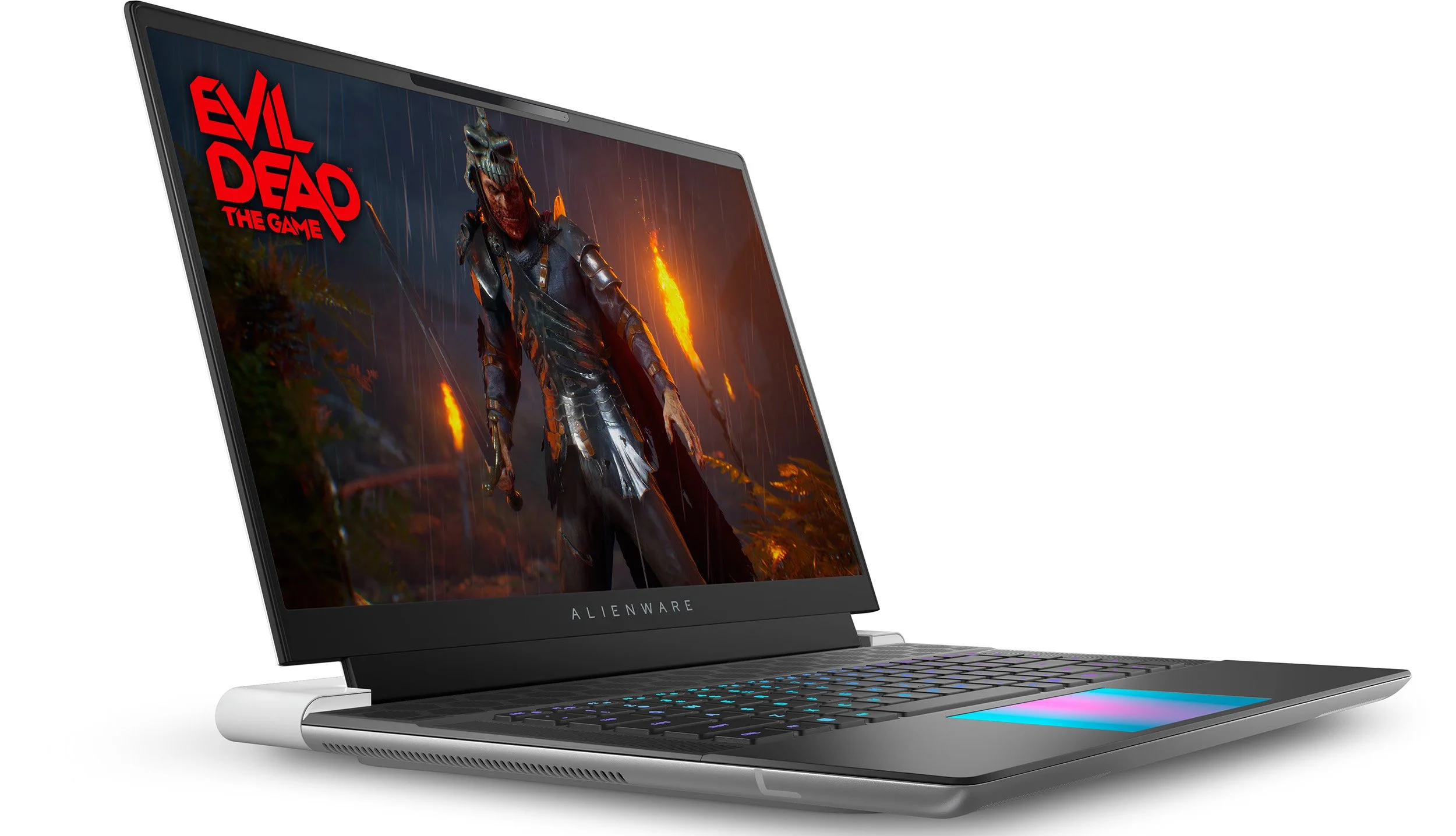
Touch screens and 2-in-1 machines may require a complete display assembly instead of only a panel. Gaming laptops can use high-refresh panels, for example 144 Hz or more. The correct panel type must be matched, not only the physical size.
MacBook displays are often replaced as an assembly
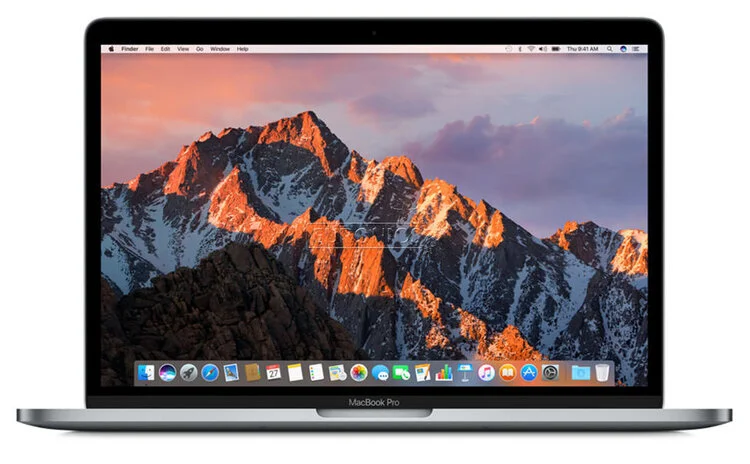
On many MacBook models, it is most practical to replace the complete display assembly with rear cover, camera, cables and panel. This often gives a better result than trying to separate the panel from a thin glued display construction.
Signs that it is not only the screen
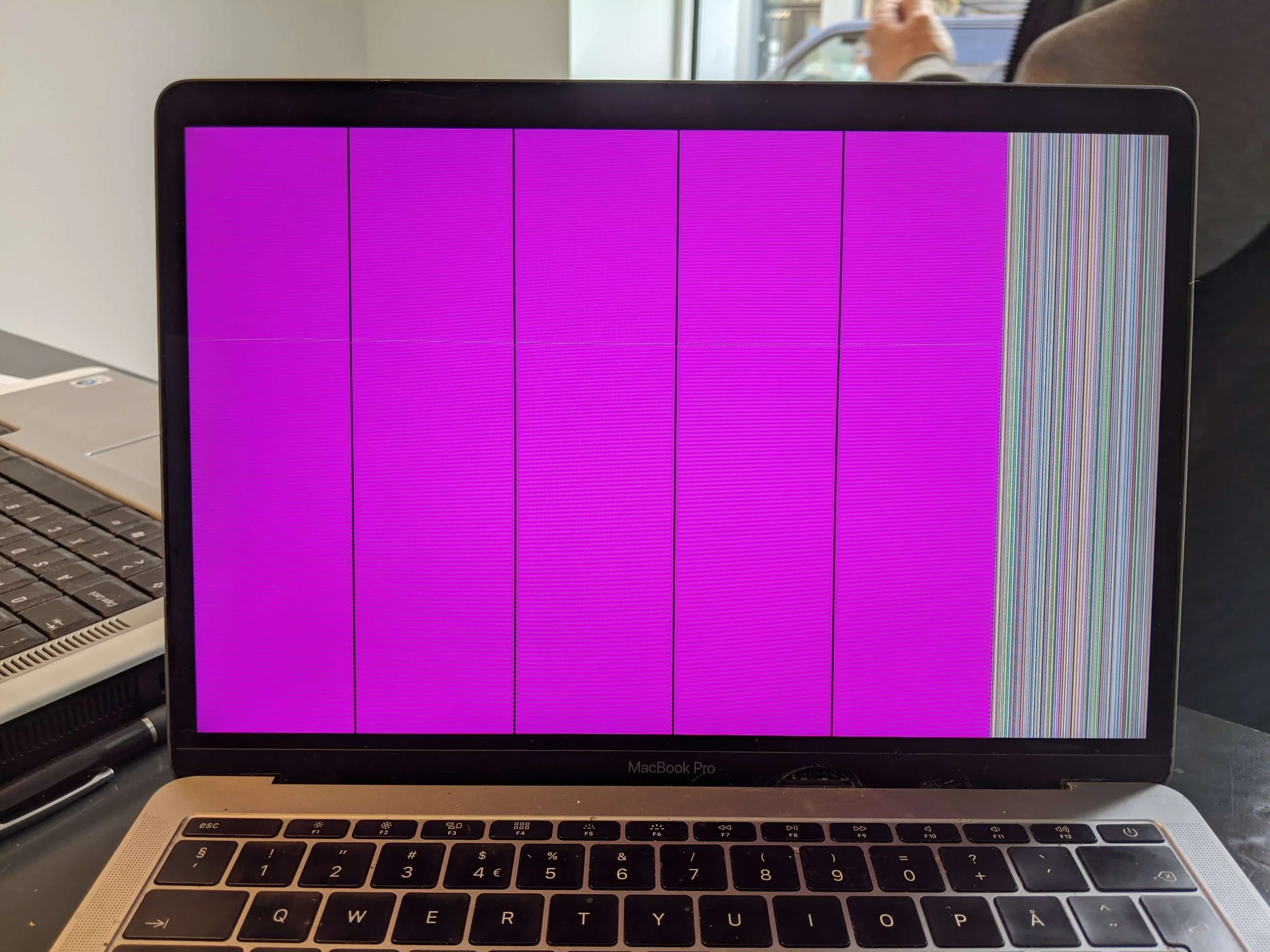
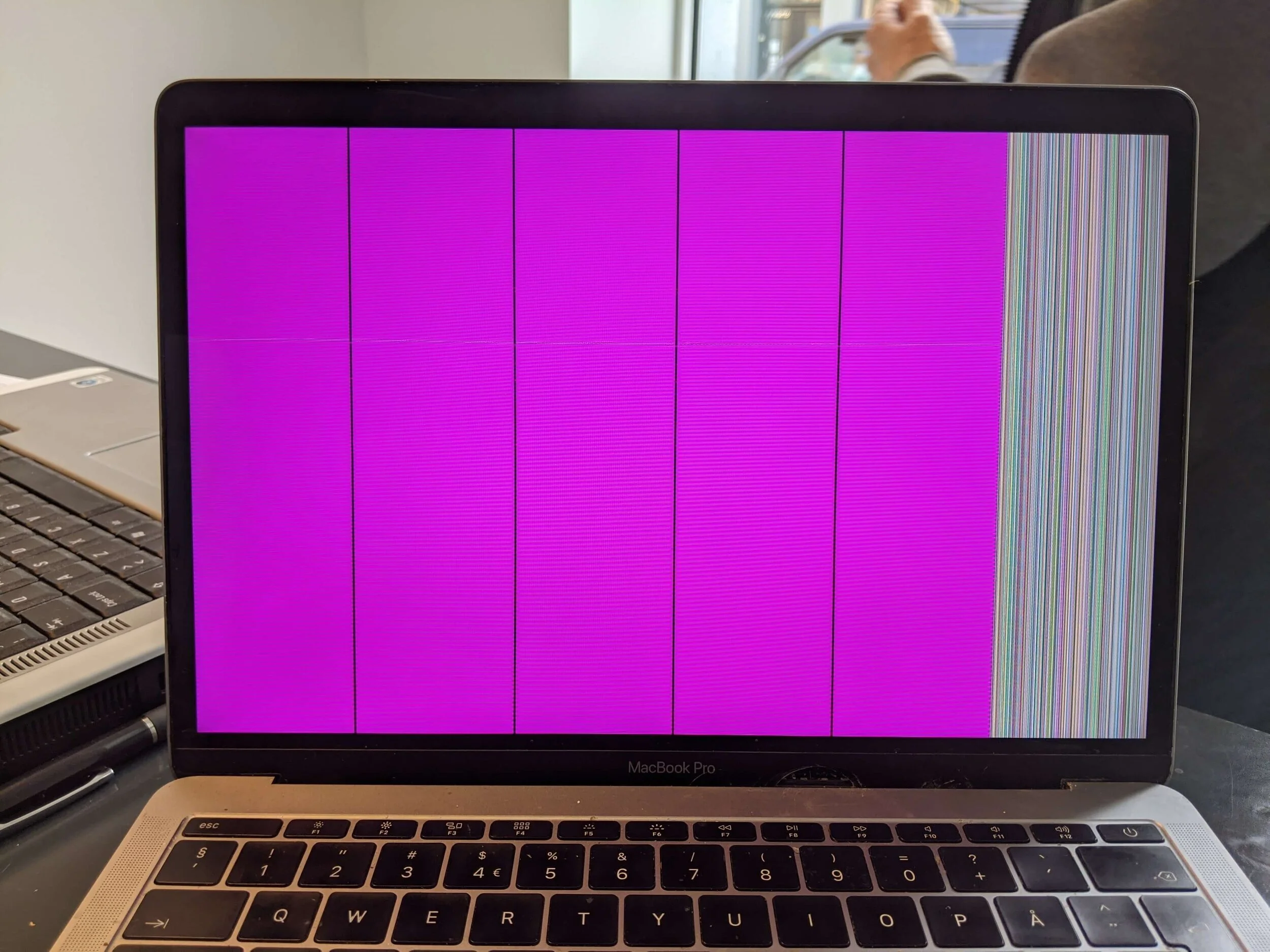
Color blocks, vertical lines, flicker or a black image can still be caused by the panel itself, but the fault can also be display cable, backlight, graphics, power or motherboard. If an external monitor also shows no image, the machine does not start, keyboard lights turn off, or the image appears and disappears when you move the lid, diagnosis should come before screen replacement.
An external monitor is therefore a useful test: if the image is stable there, motherboard and graphics are often less suspicious. If there is no image there either, a new laptop screen should not be ordered before the machine is diagnosed.
How to get the right price
Find the model number under the machine or in system information, and send a photo of the damage if possible. Price varies by panel type and labor time, so use the price guide or contact us for an updated price before repair.