
Mac repair starts with diagnosis. Two Macs can show the same symptom but have completely different faults. A MacBook that will not start may have a bad battery, charging port, power circuit, liquid damage or storage issue.
We are not an Apple-authorized repair shop, so we assess parts, method and risk ourselves. That makes diagnosis and model identification especially important: the same symptom can be simple on one generation and far more expensive on another.
Common Mac repairs
We assess battery replacement, display replacement, keyboard faults, fans, thermal paste, SSD problems, charging faults and logic board issues. On newer models many parts are integrated, so exact model identification matters before price and repair path can be confirmed.
Parts and reuse
Some Mac parts are available new from suppliers, while others must come from donor machines or be repaired at component level. A MacBook with a cracked display can still have a good logic board, speakers, trackpad or other usable parts.
Usable parts are checked and cleaned before reuse. Defective logic boards and modules can sometimes be sent for component repair, so parts do not have to be discarded unnecessarily.
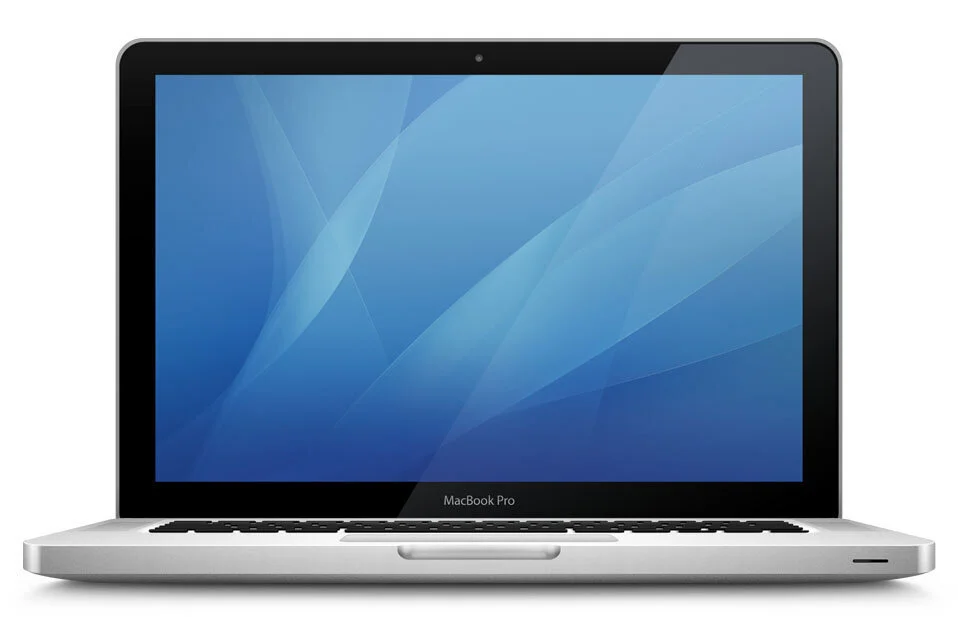
MacBook Pro 2012 and older
Older MacBook Pro models use more replaceable parts than newer models. Storage and memory can often be replaced more easily, and an SSD upgrade combined with cleaning can make the machine much faster and more stable. When an old hard drive starts reading and writing incorrectly, the system can become unstable and file recovery can get harder over time. That is why we often assess drive health and cooling together, not just speed.
MacBook Air 2013-2017
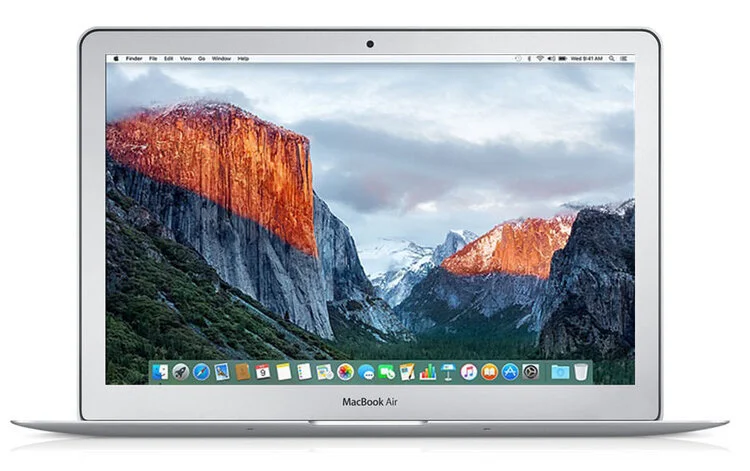
There are many MacBook Air machines from this period, so parts availability is often better than for rarer models. Memory is soldered, but the SSD can often be replaced or upgraded with the correct part or adapter.
MacBook Pro 2013-2015
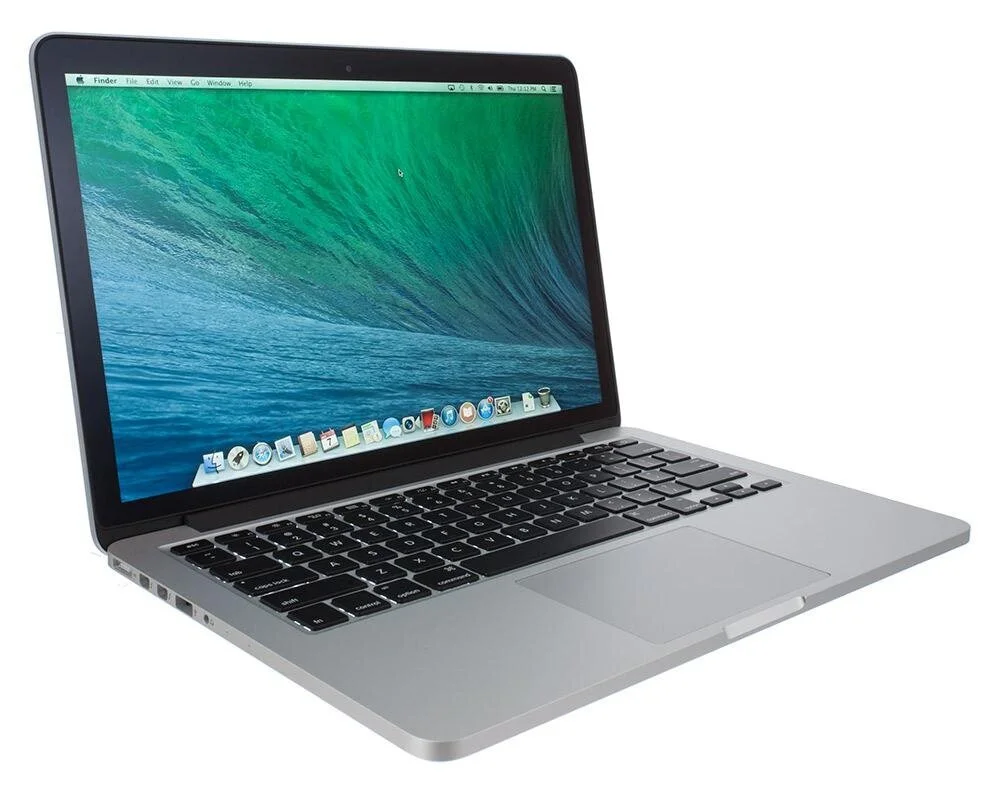
MacBook Pro models from 2013-2015 are often worth assessing because display, battery, SSD and cooling repairs can still make sense on the right machine. Parts can be more expensive than on MacBook Air, and memory is usually soldered.
Newer MacBook models
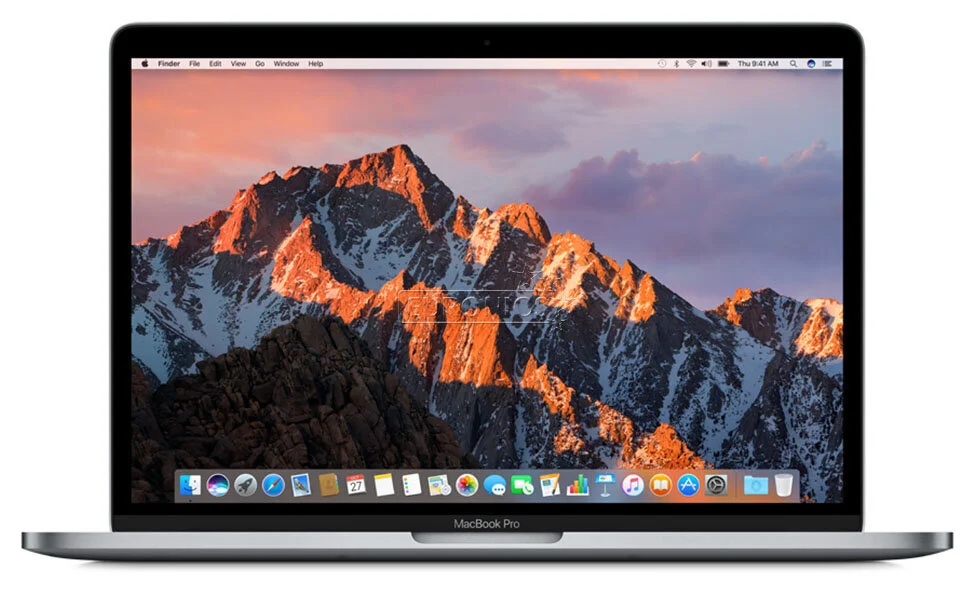
On newer MacBooks, more functions are integrated into the logic board and security chips. That is good for security, but makes file recovery and part replacement harder if the machine will not start and the files can only be accessed through that specific machine. Backup is especially important on newer models.

iMac before and after 2012
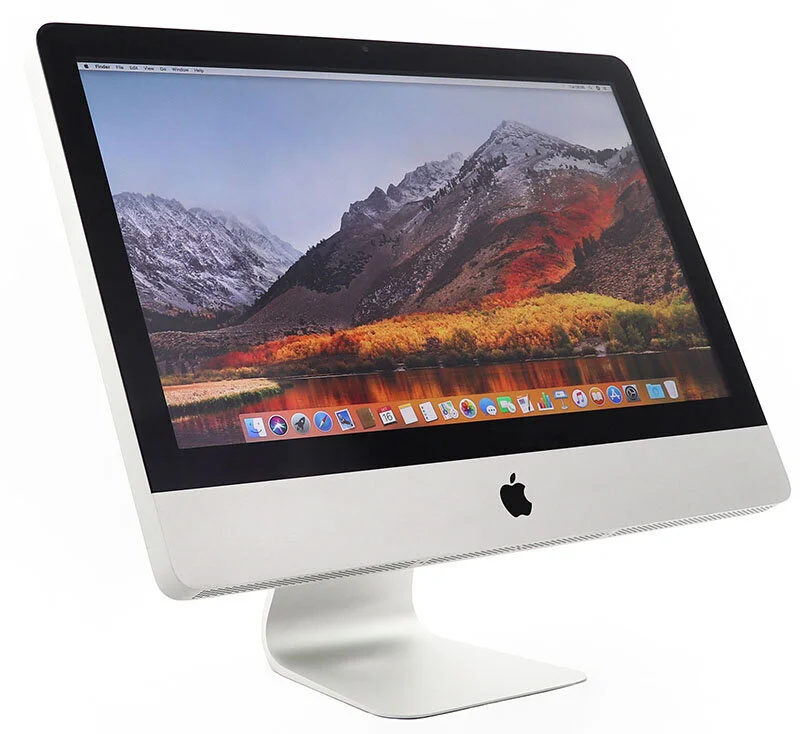
Older iMacs are often easier to open because the display is mounted differently. Newer iMacs often have glued displays, which makes SSD upgrade, cleaning and thermal paste more time-consuming. Many iMacs shipped with slow hard drives long after laptops had moved to SSDs, so storage is often the main reason they feel slow. When the machine is already open, we often assess several items at the same time.
Liquid damage and logic boards
After liquid damage, turn the Mac off and do not keep charging it. Corrosion can develop over time. A quick assessment improves the chance of saving both the machine and important files.
How Mac differs from many Windows PCs
Many Mac repairs are similar to other laptop repairs, but newer models use more integrated parts, glued batteries, custom storage connectors and tighter internal layouts. That makes model year and exact model number important before deciding whether repair is worth it.