
When a laptop or MacBook will not charge, the fault is usually one of four things: the charger, the charging port, the battery, or the power circuitry on the motherboard. A proper diagnosis matters because the symptoms often look similar.
EasyPC troubleshoots charging issues on Windows laptops and MacBooks in Bergen. We can replace chargers and batteries, repair loose charging ports and assess micro-soldering when the port or power circuit is part of the motherboard.
Start with the charger
First test with an original or compatible charger with the correct wattage and connector. Check the cable for bends, heat damage, discoloration or unstable contact. If the machine charges with another charger, the laptop itself is probably not the issue.

Check the charging port
A worn or loose charging port often charges only at certain angles, disconnects when the cable moves, or gives no response when the charger is connected. Do not force the plug. That can make the damage worse and may damage the motherboard.
Some charging ports can be replaced as a separate part. Others are soldered to the motherboard and require micro-soldering. That is why the port should be inspected before ordering parts yourself.
The battery can also be the cause
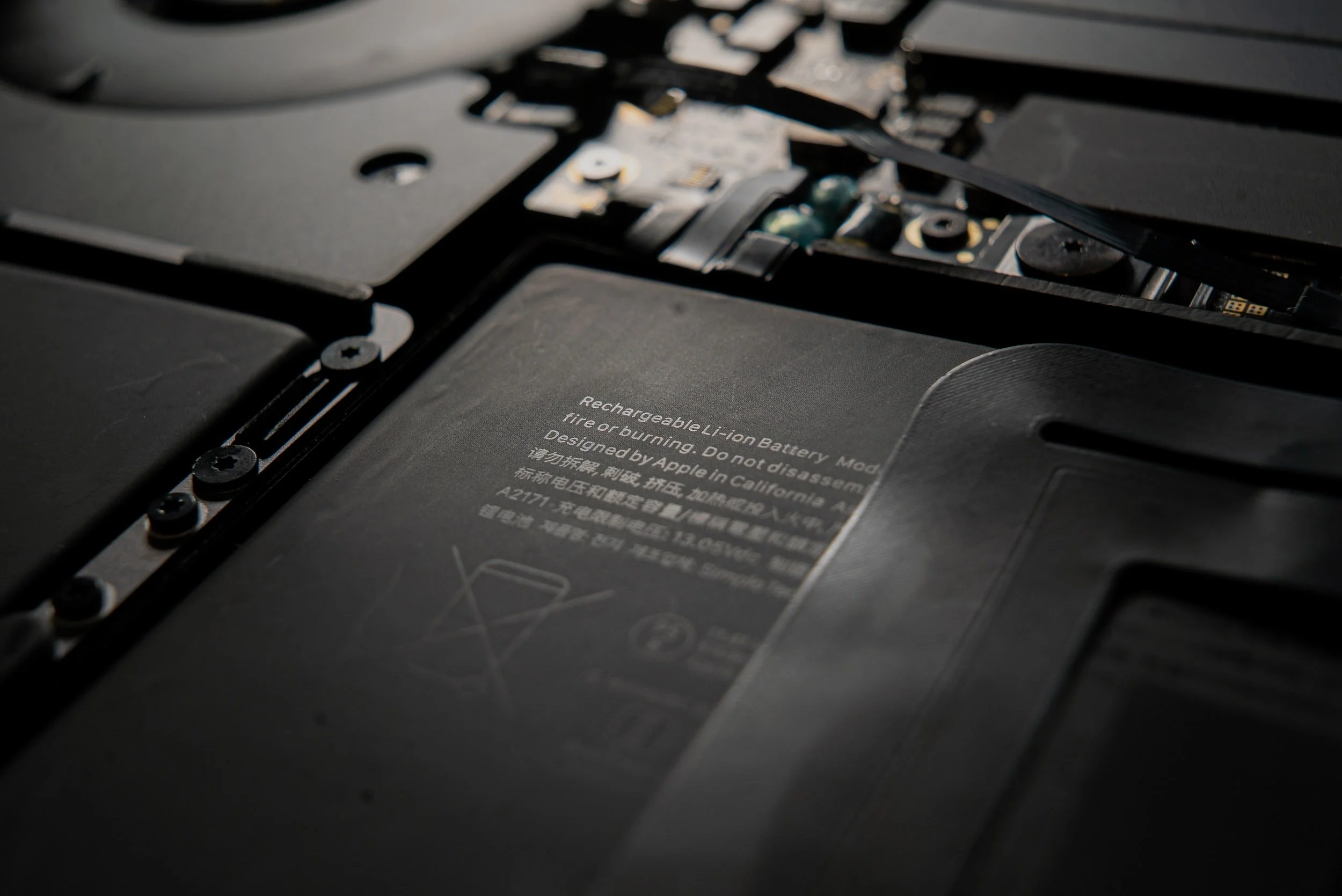
If the laptop works with the charger connected but shuts down when you unplug it, the battery is a likely cause. A swollen battery is urgent: stop using the machine, do not keep charging it, and have it checked quickly.
When the motherboard needs diagnosis
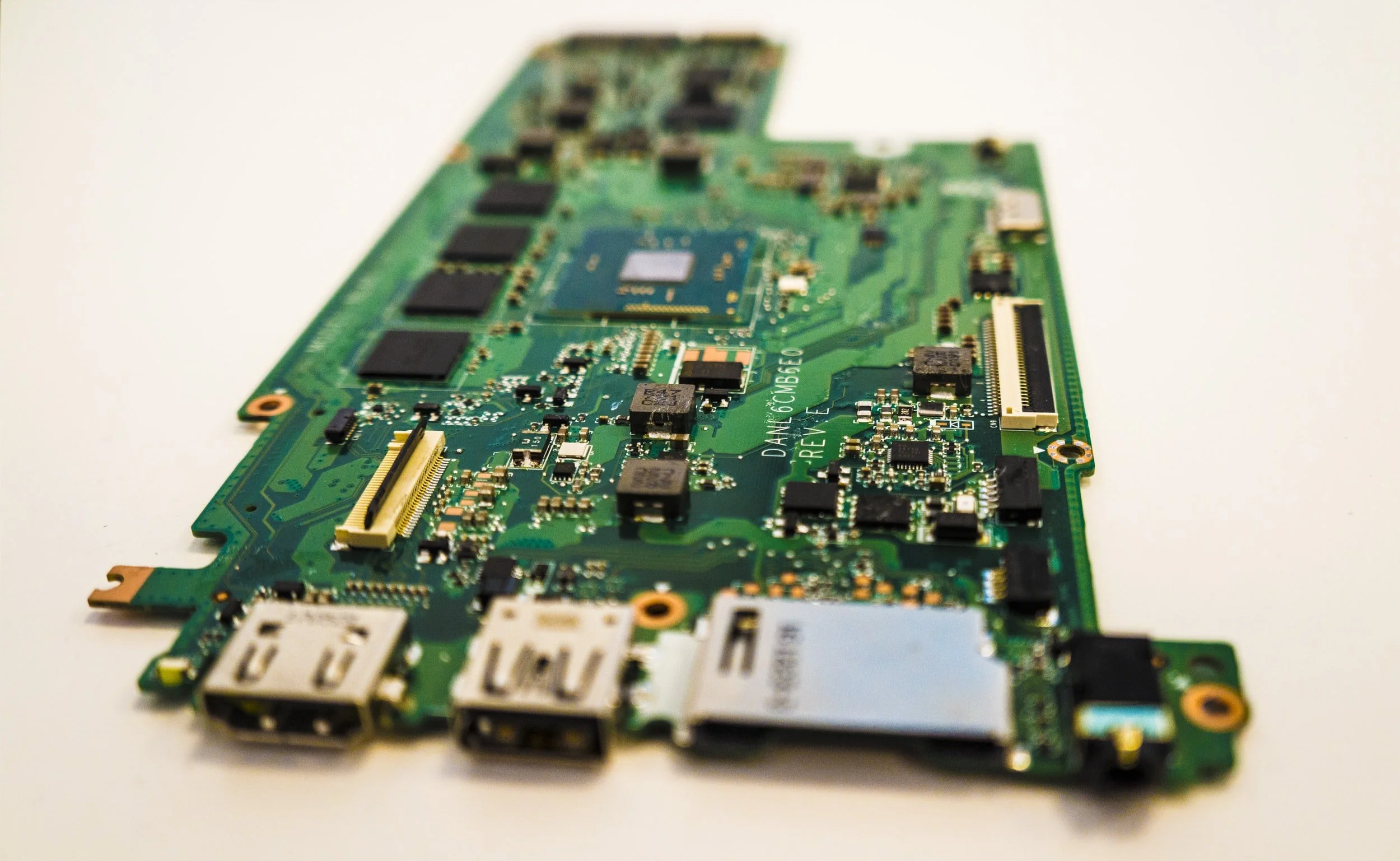
If the charger, port and battery appear normal, the fault may be in the power management circuit or other motherboard components. The machine then needs to be opened and measured. Random parts replacement is a poor approach because the wrong part will not solve the problem.
When should you bring the machine in?
Bring the machine in if the charging port is loose, the battery is swollen, the machine gets hot while charging, or you have tested a correct charger without success. You receive a price before we continue, and we do not recommend work that is not worth doing.